Stop rebuilding the same effects on every project.
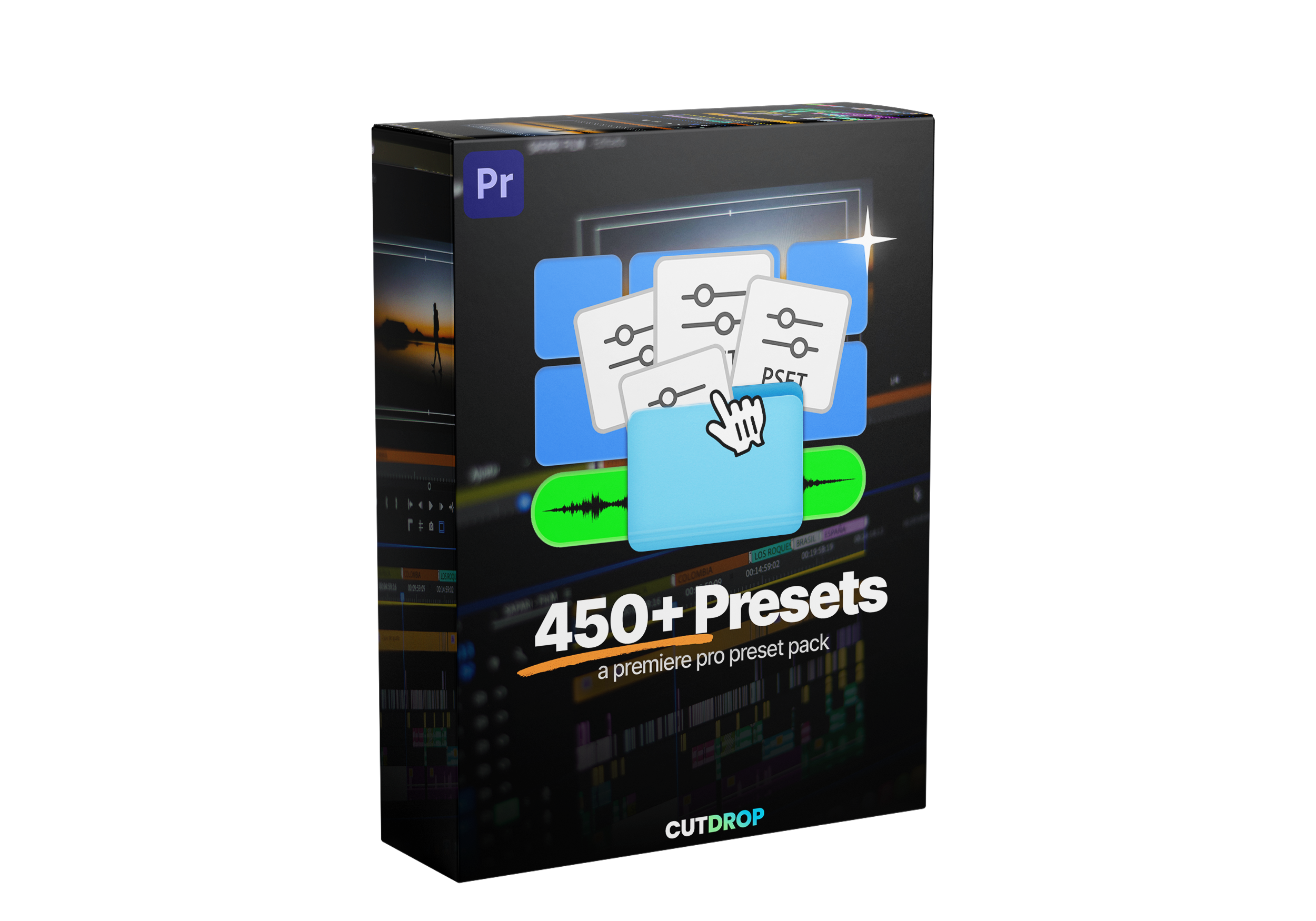
450+ Premiere Pro presets covering every stage of an edit — movement, text, color, sound and transitions. Drag, drop, done. What used to take twenty minutes of keyframing now takes one click, and every preset stays fully adjustable so it still looks like your work, not a template.
Built by an editor who got tired of rebuilding the same effects from scratch.
If you have any questions, you are always welcome to contact us. We'll get back to you as soon as possible, within 24 hours on weekdays.
Informations d'expédition
Use this text to answer questions in as much detail as possible for your customers.
Customer Support
Use this text to answer questions in as much detail as possible for your customers.
FAQs
Use this text to answer questions in as much detail as possible for your customers.
Contact Us
Use this text to answer questions in as much detail as possible for your customers.
450+
Premiere Pro Presets
18
Categories
400+
Unique Animations
15+
New Elements
450+ Premiere Pro Presets
This pack contains 450+ Advanced Premiere Pro Presets including slides, pops, positions, glitch, VHS effects, transitions, animations, idle, floating, drop shadows and more!
450+ Presets de haute qualité
Everything you'll ever need for your edits (animations, idles, transitions, slides and more)
Premiere Pro Presets
17 categories of presets
You'll find everything you need in all the categories, from simple animations to 3D rotations and more.
Détails du produit
Are these presets compatible with DaVinci?
Unfortunately no, but we're working on preset packs exclusively for DaVinci Resolve.
Sont-ils faciles à installer?
Yes! You just need to import them into your presets and drag and drop them into your timeline.
What versions of Premiere Pro are they compatible with?
They're compatible with Premiere Pro 2022+
Join our Discord community
Get access to exclusive resources, connect with other members, and stay updated with the latest news.
After payment, you're redirected to a download page with instant access. A download link is also sent automatically to the email address you used at checkout. All products are delivered as a single .zip file — we never deliver through Google Drive, Dropbox or any third-party storage.
I didn't receive my download email
Check your spam folder and search for "CutDrop" in your inbox. Still nothing? Email support@cutdrop.io with the address you used at checkout and we'll resend it.
Combien de fois puis-je télécharger un fichier ?
5 downloads per file, valid for 30 days from purchase. If your links expire, email support@cutdrop.io and we'll reactivate them.
Quels logiciels sont compatibles ?
All our packs are built and tested for Adobe Premiere Pro 2022 and later. Compatibility for each product is listed on its product page. They don't currently work in DaVinci Resolve or Final Cut Pro — DaVinci-specific packs are in the works.
Are they hard to install?
No. Import them into your presets panel and drag-drop onto your timeline. No plugins needed, and every pack includes a short guide.
Can I use them in commercial projects?
Absolutely. All products include a commercial license — use them in client work, YouTube, social media, ads, unlimited projects, unlimited clients.
What you can't do: resell, redistribute, share or repackage the files, modified or not, upload them to public storage or asset libraries, or claim authorship.
Do you offer refunds?
Due to the digital nature of our products, all sales are final and we do not offer refunds. Please review product descriptions and previews carefully before purchasing.
Do I get future updates?
Yes. When we update a pack you already own, you get the new version for free, sent straight to your inbox.
I already bought a pack, can I upgrade to the bundle?