Built into the plugin
Every preset, already moving.
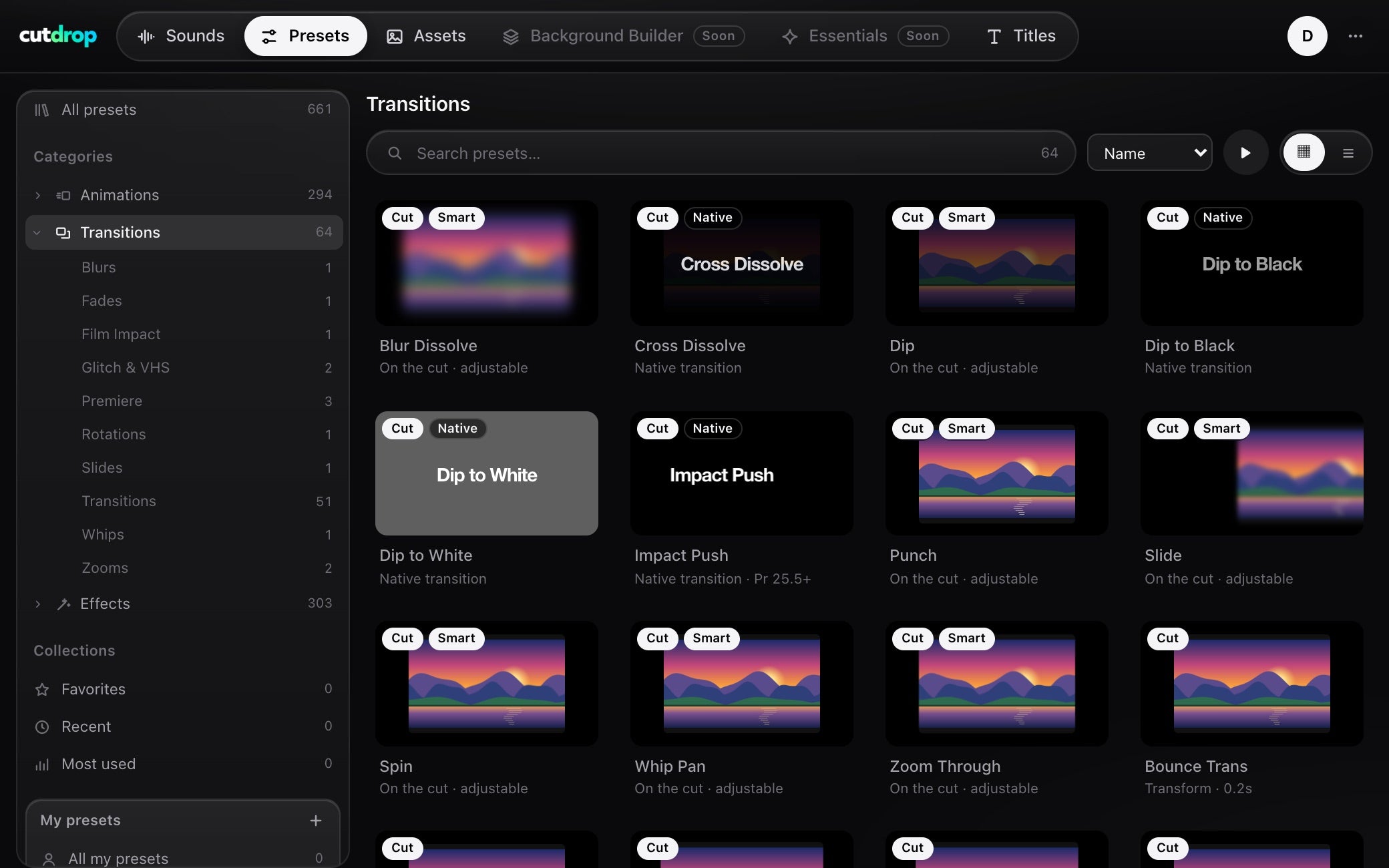
The Presets tab shows each preset playing, sorted in folders: camera moves, pops, 3D, color, glitch, transitions, audio and captions.
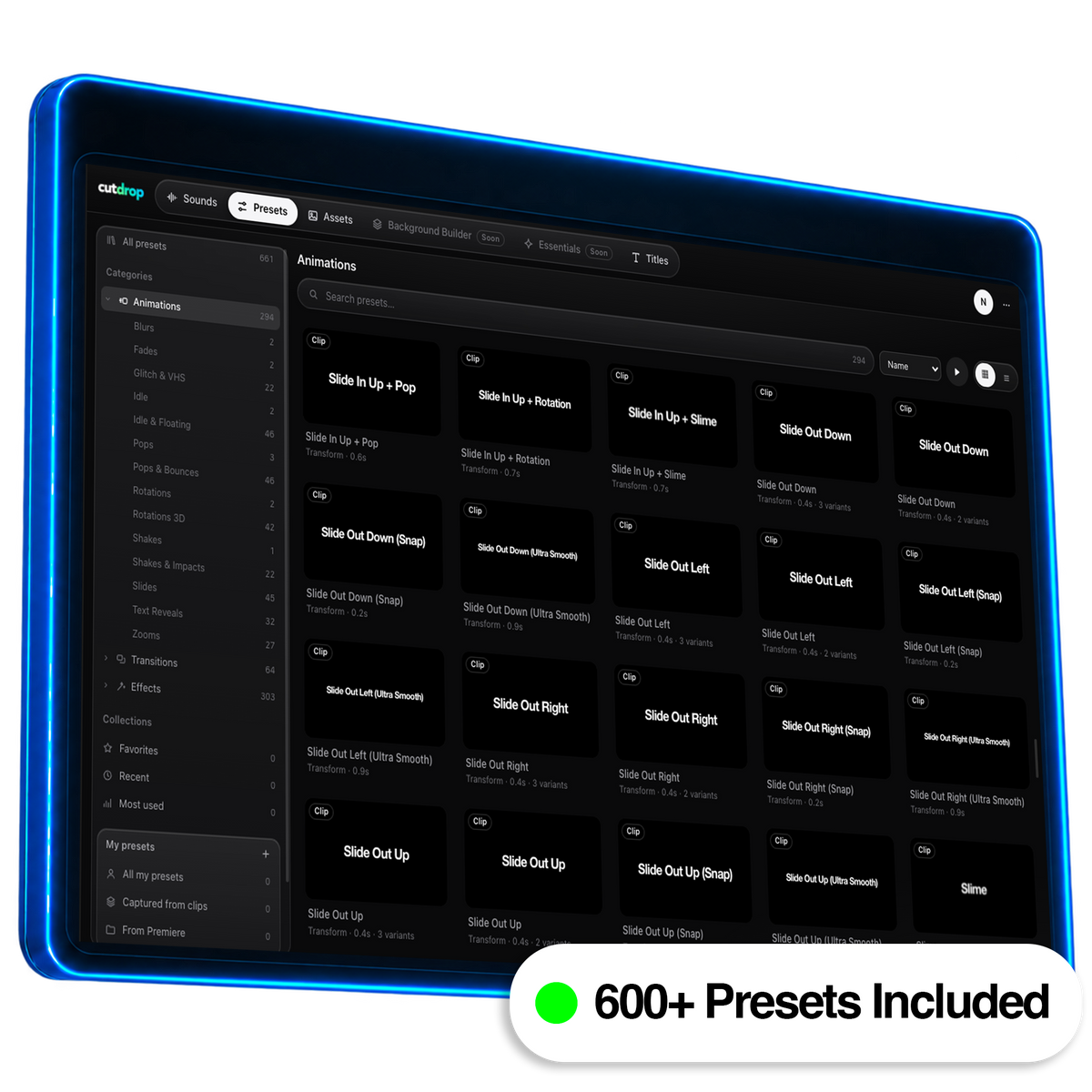
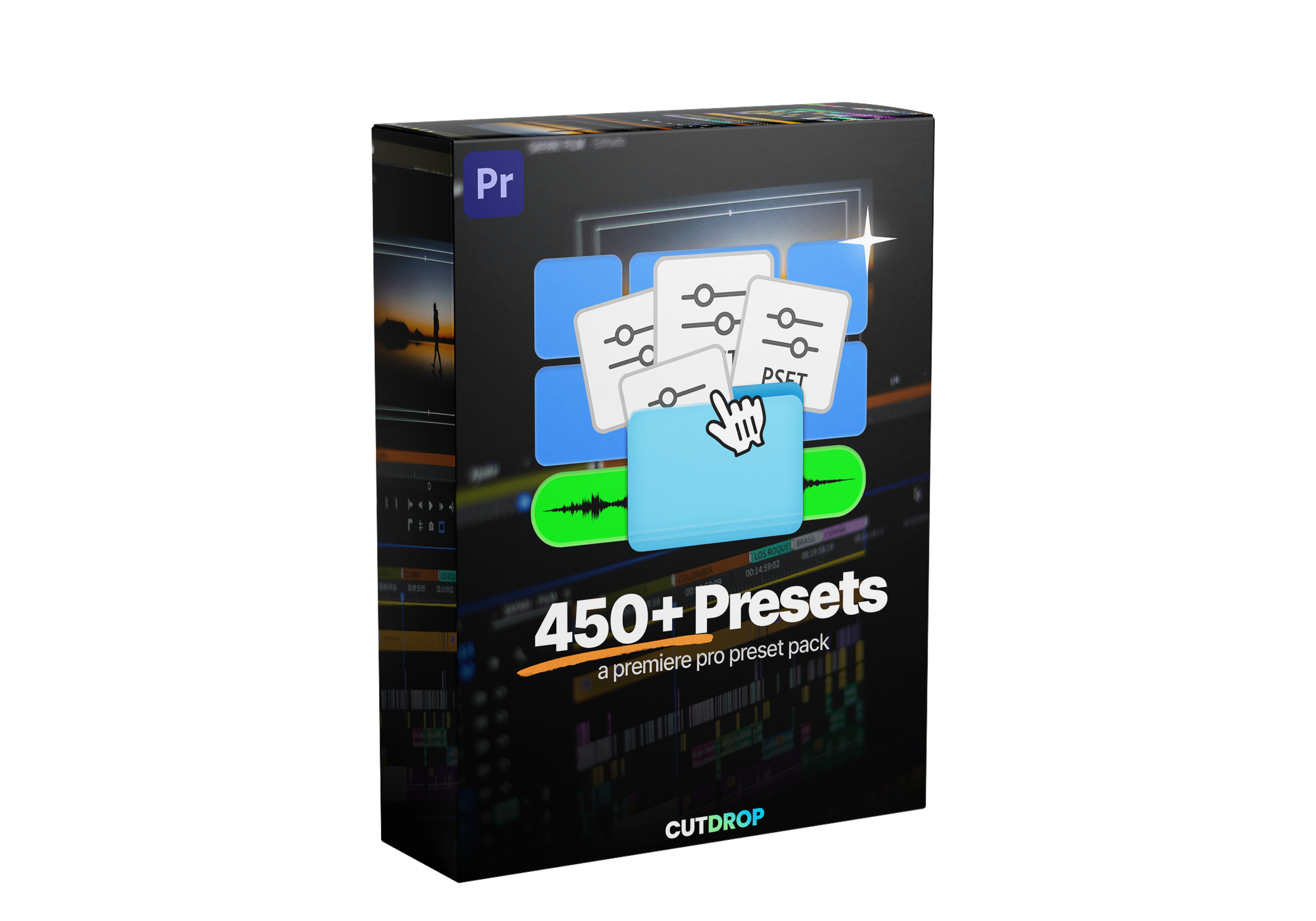


Every preset we make, in one tab. PresetDrop holds Motion & Zoom, the full effects library and the caption animations.
561 presets in 27 folders: camera moves for static footage, pops, 3D, color, glitch, transitions, audio and text animations built for vertical captions. In CutDrop Core, select your clips, double-click a preset in the Presets tab, then adjust it from the panel. Prefer the Effects panel? The .prfpset files are included. Every preset stays fully adjustable in Effect Controls.
Built by an editor who got tired of rebuilding the same effects from scratch.
561 presets · 3 collections · 27 categories · Premiere Pro 2022+
Pairs well with
Secure payment
Instant download after purchase
Compatible with Premiere Pro 2022+
PresetDrop · Plugin for Premiere Pro
PresetDrop for Premiere Pro
Every preset already lives inside the plugin. Select your clips, open the Presets tab, double-click.
561 presets built in
Already inside the plugin: camera moves, pops, 3D, color, glitch, transitions, audio and caption animations.
27 categories
Sorted in the Presets tab, so the right move is one folder away.
€49 once
Under €0,09 a preset. No subscription.
Preset Lab
Pick a preset and watch it play, straight from its real keyframes. Hover or tap, then hit replay.
Select a clip, then double-click a preset to apply it. Press Play to watch the edit.


Same preview as the Presets tab of CutDrop Core. Drop shadows and Text Animator presets need Premiere Pro to preview.
How it works
Every preset lives in the Presets tab of CutDrop Core, the panel docked next to your timeline.
Built into the plugin
The Presets tab shows each preset playing, sorted in folders: camera moves, pops, 3D, color, glitch, transitions, audio and captions.
Select, then double-click
Select your clips in the timeline and double-click a preset. It is applied right away, nothing to drag.
From the panel
Change the settings from the panel before you apply. Every preset stays fully adjustable in Effect Controls.
Bonus
Prefer the Effects panel? The same presets come as .prfpset files, yours to keep.
What's inside
Motion & Zoom, the effects library and the Short Form Caption Pack used to be sold one by one. They now ship together, in one preset file.
 01
152 presets · 7 folders
Camera moves for static footage: slides, shakes, floating and zooms.
 02
319 presets · 13 folders
Pops, 3D, color, glow, glitch, transitions, frames and audio.
 03
90 presets · 7 folders
Text animations built for vertical captions, word by word included.
Pricing
One price: the plugin with all 561 presets inside, and the .prfpset files as a bonus.

Premiere Pro plugin, 561 presets built in
Under €0,09 / preset
€49 one-time
No subscription · instant download · free updates
Premiere Pro 2022+ · Shop Pay and cards accepted
Secure checkout by Shopify
After payment, you're redirected to a download page with instant access. A download link is also sent automatically to the email address you used at checkout. All products are delivered as a single .zip file. We never deliver through Google Drive, Dropbox or any third-party storage.
Check your spam folder and search for "CutDrop" in your inbox. Still nothing? Email support@cutdrop.io with the address you used at checkout and we'll resend it.
5 downloads per file, valid for 30 days from purchase. If your links expire, email support@cutdrop.io and we'll reactivate them.
CutDrop Core and every product are built and tested for Adobe Premiere Pro 2022 and later. Compatibility for each product is listed on its product page. They don't currently work in DaVinci Resolve or Final Cut Pro. DaVinci-specific packs are in the works.
No. CutDrop Core is included: the Premiere Pro panel where this product opens its Presets tab, and a double-click applies a preset to the selected clips. Prefer to work without it? You also get the native files: import the .prfpset file once in the Effects panel (right-click Presets, Import Presets), then drag a preset from the Effects panel onto any clip. Every download includes a short guide.
Absolutely. All products include a commercial license: use them in client work, YouTube, social media, ads, unlimited projects, unlimited clients.
What you can't do: resell, redistribute, share or repackage the files, modified or not, upload them to public storage or asset libraries, or claim authorship.
Digital downloads are final sale under EU distance-selling rules: you waive your withdrawal right at checkout.
On top of that, we offer a 14-day technical guarantee. If a product won't install or doesn't work on a listed Premiere Pro version, email support@cutdrop.io within 14 days of purchase with your order number and your Premiere Pro version. We'll fix it, and if we can't, you get a full refund.
Yes. When we update a product you already own, you get the new version for free, sent straight to your inbox. CutDrop Core itself updates in one click from the panel.
Yes. Email support@cutdrop.io and we'll sort out the difference.
Email support@cutdrop.io. We reply within 24 business hours.
One plugin, every preset inside, one double-click.