
One panel. Every tool inside.
CutDrop Core comes with every paid product. Each one you own lights up its tab.
CutDrop Core
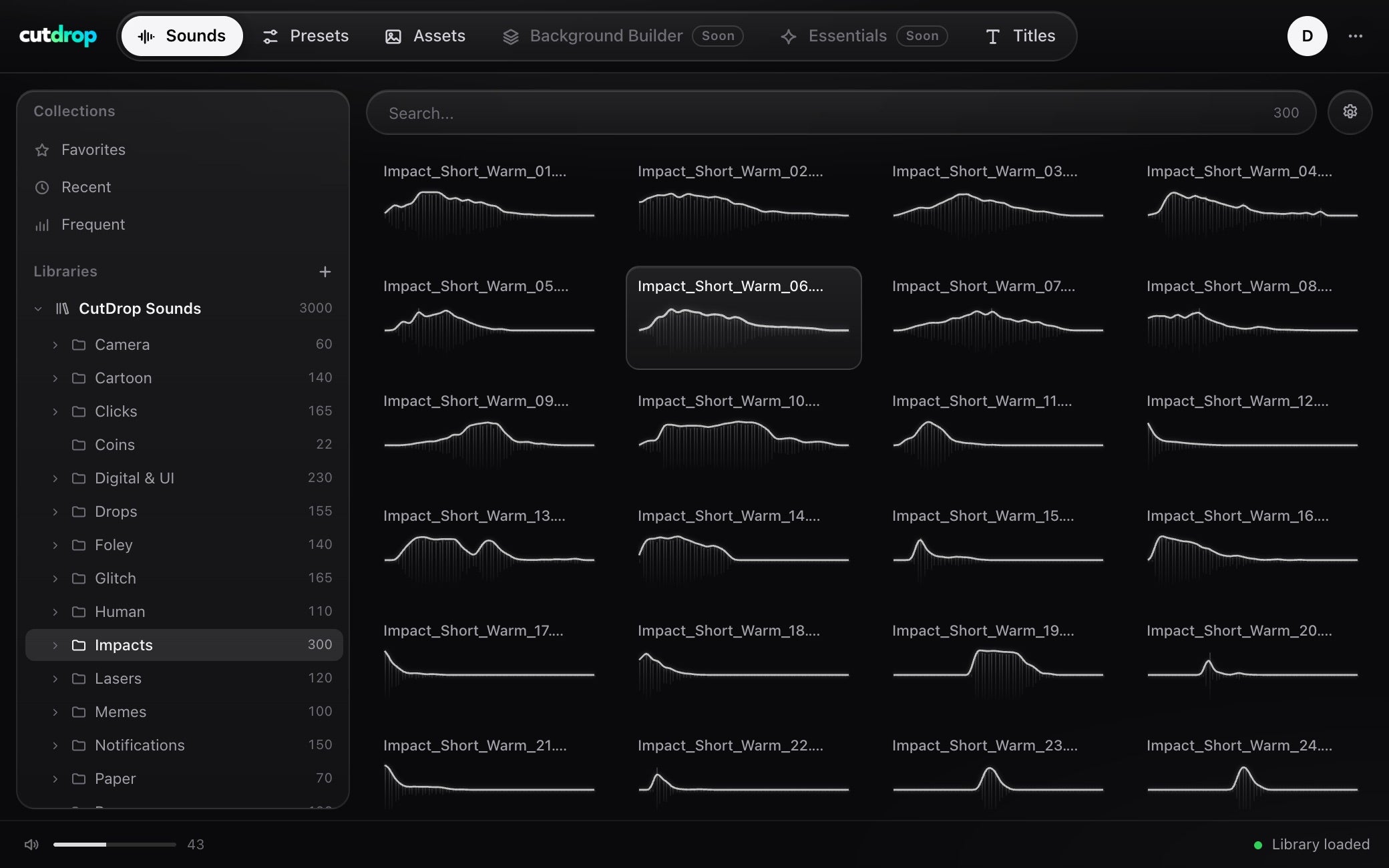
Sounds
Audition and drop sounds on the timeline without leaving Premiere Pro.
Unlocked by
CutDrop Core
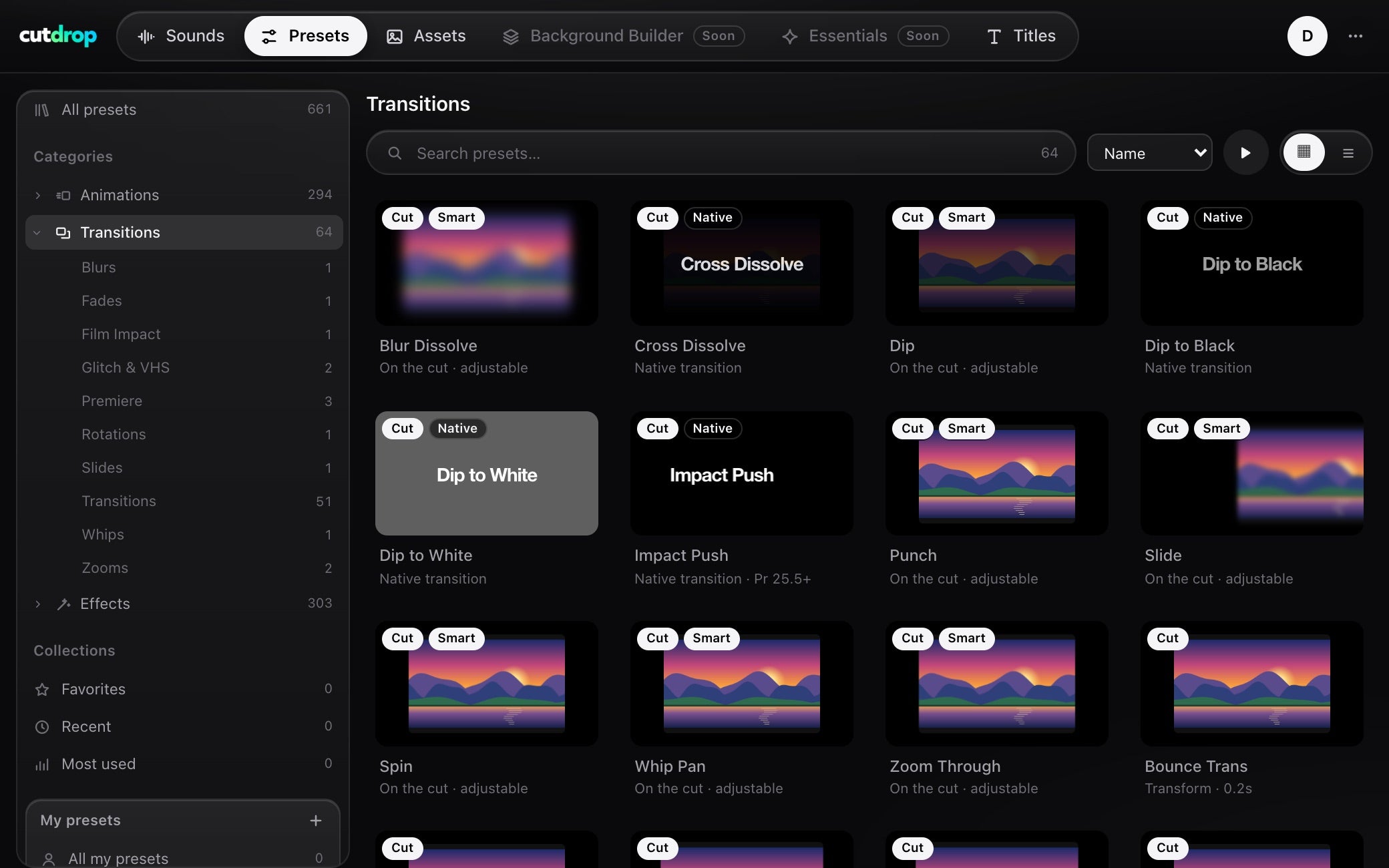
Presets
Browse every preset by category, preview it, apply it to the selected clip.
Unlocked by
CutDrop Core
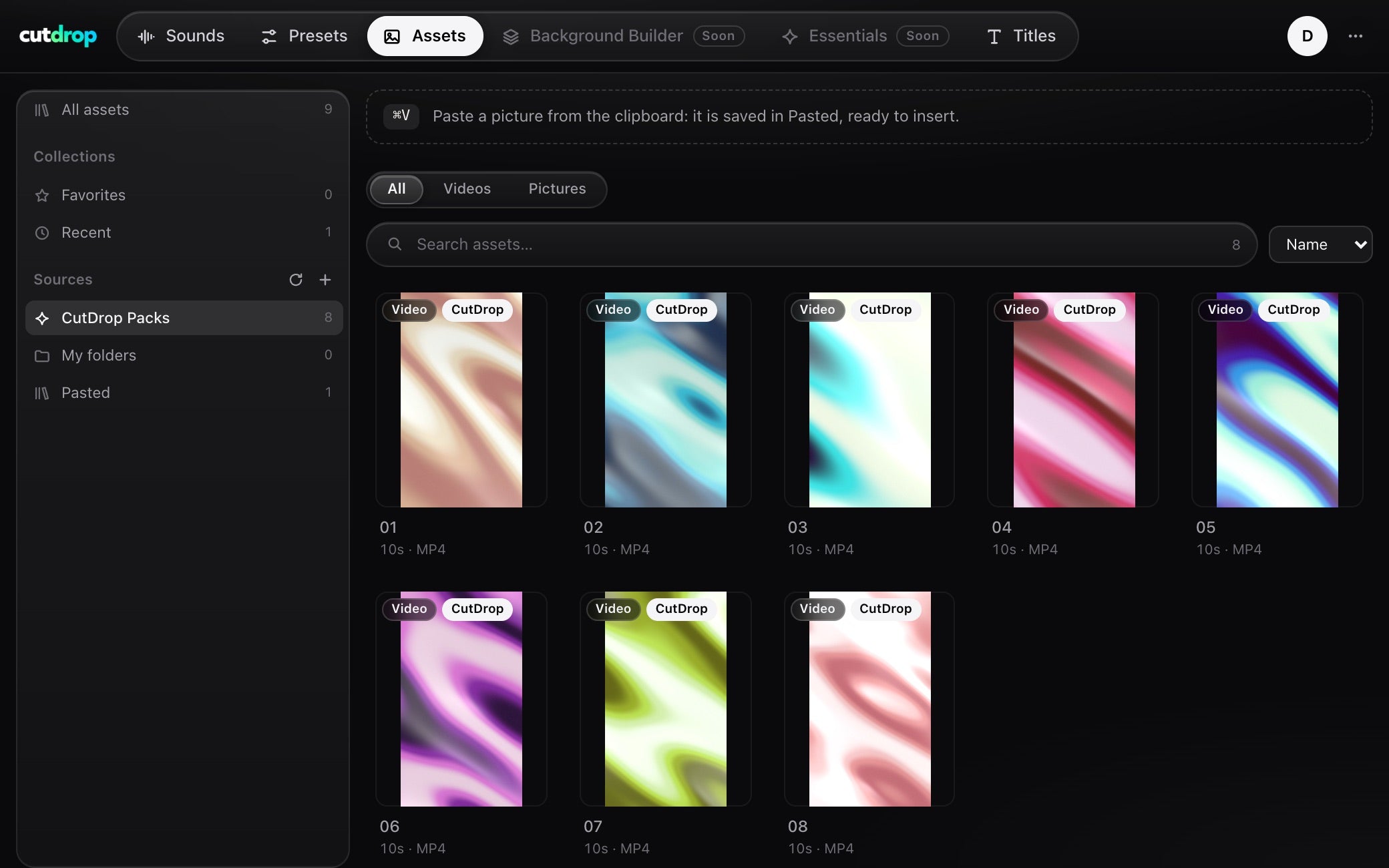
Assets
Your videos and pictures in one place, gradient loops included. Paste a picture, double-click to place it.
Unlocked by

CutDrop Core
Titles
Animated titles placed in one double-click, then edited from the panel.
Unlocked by
What's new in Core.
New versions install in one click from the panel. Here is what changed.
-
- One panel for Premiere Pro 2022+, with a tab per product: Sounds, Presets, Assets and Titles.
- Each product you buy opens its tab. Sign in with the email of your order, on 2 computers, even offline.
- Presets: double-click to apply a preset to the selected clips, then adjust it.
- Assets: your videos and pictures, plus Vertical Gradient Loops. Paste a picture with Cmd+V or Ctrl+V.
- Titles: every title shown whole in the library, placed at the playhead in one double-click.
- Updates install in one click from the panel menu.
Questions, answered.
How do I get CutDrop Core?
Buy any CutDrop product: Core comes with it. After your order, download Core, open it in Premiere Pro and sign in with the email of your order. A 6-digit code unlocks your tabs.
Do I need CutDrop Core?
No. Core comes with every paid product and puts everything one click away, but each product also ships as native Premiere Pro files you can use without it.
Which Premiere Pro versions work?
Premiere Pro 2022 and newer, on the panel and with the native files.
Does Core work offline?
Yes. Once your tabs are unlocked, Core works without a connection.
On how many computers can I use it?
Your account works on 2 devices.
Do I get updates?
Yes. Core tells you when a new version is out, and one click in the panel installs it.