
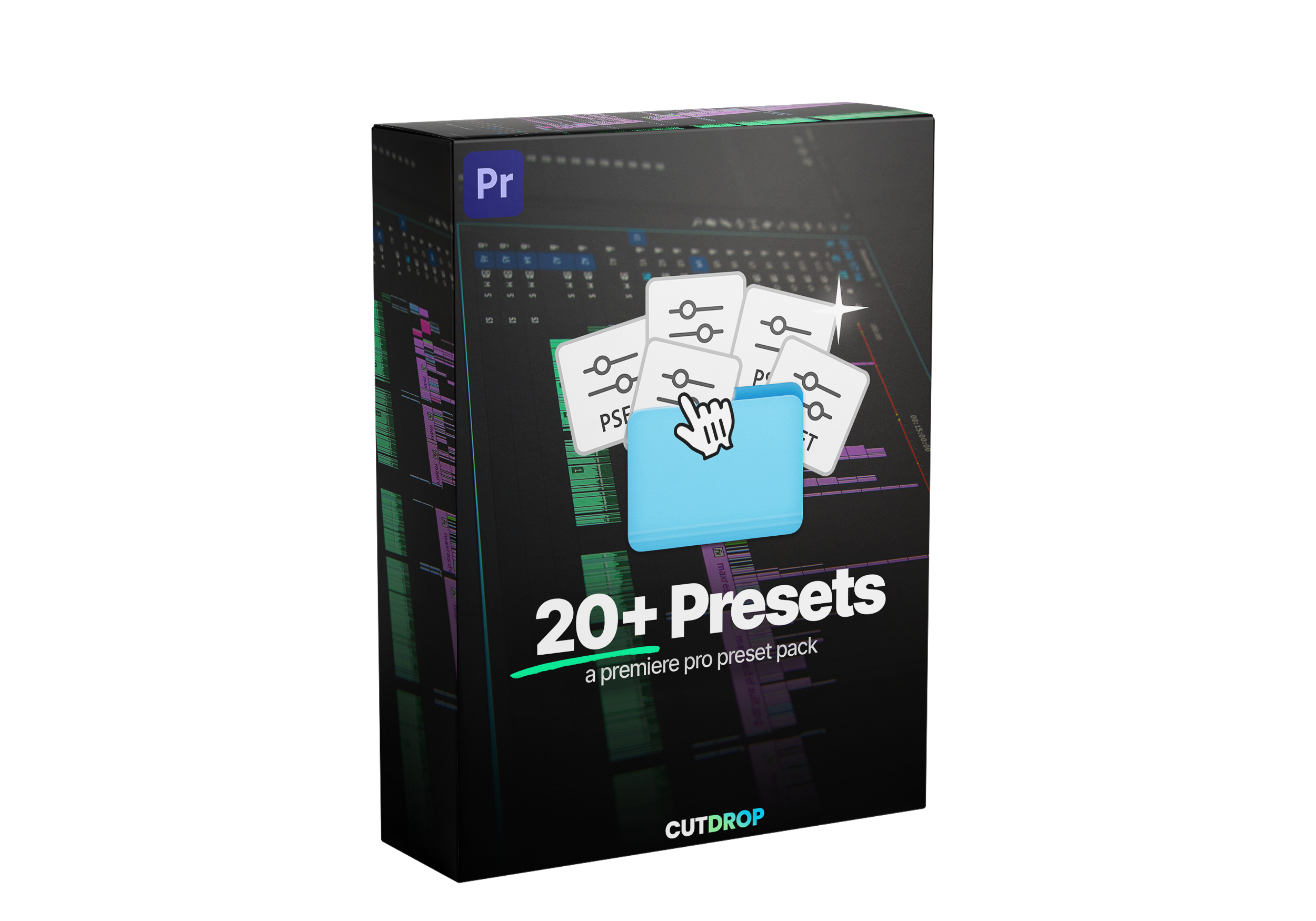

Free Premiere Pro Starter Pack
Kickstart your editing workflow with 20 handpicked Premiere Pro presets. This free pack includes color grading looks, stylized film tones, and adjustment layer effects designed to give your footage a professional finish in seconds. Each preset is fully customizable: tweak intensity, colors, and exposure to match your creative vision. Compatible with any footage type: talking head, cinematic, travel, vlog, or social media content. One-click install with .prfpset files. No plugins, no hassle.
Pairs well with
Secure payment
Instant download after purchase
Compatible with Premiere Pro 2022+
Free Premiere Pro Starter Pack
What's in the free pack.
Free to download. Yours to keep and use in your edits.
-
20+ Premiere Pro Presets
Preset Lab
Try the full pack right here.
Presets from the full pack, played from their real keyframes. Hover or tap, then hit replay.
Full libraryThis demo plays the full library: 561 presets. The free version has 20.
Get all 561 presets€49Select a clip, then double-click a preset to apply it. Press Play to watch the edit.

All presets

Same preview as the Presets tab of CutDrop Core. Drop shadows and Text Animator presets need Premiere Pro to preview.
Liked the Lite? Get the full pack.
This is what's waiting in PresetDrop · Plugin for Premiere Pro. Same quality, the whole collection, one payment.
- +541more presets
- +23more categories
- Commercial use
- Free updates
- Works in CutDrop Core and as native files
Free or full
Free to try. Built to finish.
Same files, same quality. The full pack just has all of them.
Free pack
Free

PresetDrop · Plugin for Premiere Pro
€49
Editors use it daily.
Questions, answered.
How do I download my files?
After payment, you're redirected to a download page with instant access. A download link is also sent automatically to the email address you used at checkout. All products are delivered as a single .zip file. We never deliver through Google Drive, Dropbox or any third-party storage.
I didn't receive my download email
Check your spam folder and search for "CutDrop" in your inbox. Still nothing? Email support@cutdrop.io with the address you used at checkout and we'll resend it.
How many times can I download a file?
5 downloads per file, valid for 30 days from purchase. If your links expire, email support@cutdrop.io and we'll reactivate them.
What software is compatible?
All our packs are built and tested for Adobe Premiere Pro 2022 and later. Compatibility for each product is listed on its product page. They don't currently work in DaVinci Resolve or Final Cut Pro. DaVinci-specific packs are in the works.
Are they hard to install?
No. Presets go into the Effects panel, sounds and backgrounds drag straight onto your timeline, and .mogrt titles install in the Graphics Templates panel (Essential Graphics in older versions), then drag from that panel onto your timeline. No plugins needed, and every pack includes a short guide.
Can I use them in commercial projects?
Absolutely. All products include a commercial license: use them in client work, YouTube, social media, ads, unlimited projects, unlimited clients.
What you can't do: resell, redistribute, share or repackage the files, modified or not, upload them to public storage or asset libraries, or claim authorship.
Do you offer refunds?
Digital downloads are final sale under EU distance-selling rules: you waive your withdrawal right at checkout.
On top of that, we offer a 14-day technical guarantee. If a product won't install or doesn't work on a listed Premiere Pro version, email support@cutdrop.io within 14 days of purchase with your order number and your Premiere Pro version. We'll fix it, and if we can't, you get a full refund.
Do I get future updates?
Yes. When we update a pack you already own, you get the new version for free, sent straight to your inbox.
I already bought a pack, can I upgrade to the bundle?
Yes. Email support@cutdrop.io and we'll sort out the difference.
Still stuck?
Email support@cutdrop.io. We reply within 24 business hours.

Free today, yours to keep.
Download it, open it in CutDrop Core, and use it in your next edit.
Instant download. Works in CutDrop Core and as native files.